No two exams need the same level of protection. A formative quiz taken at home and a licensing exam that decides whether someone can practise are different propositions, and treating them the same way either wastes effort or leaves a gap.
That is why Cirrus offers a range of security options rather than a single setting. Live remote proctoring, AI-assisted remote proctoring, test centres, Safe Exam Browser and Turnitin each suit a different combination of stakes, location and scale. Today there is one more option to choose from: Schoolyear.
What is Schoolyear?
Schoolyear is a Safe Exam Workspace that secures the device for the length of the exam. You author, schedule, deliver and mark in Cirrus exactly as you do now, with two extra steps when you set the exam up:
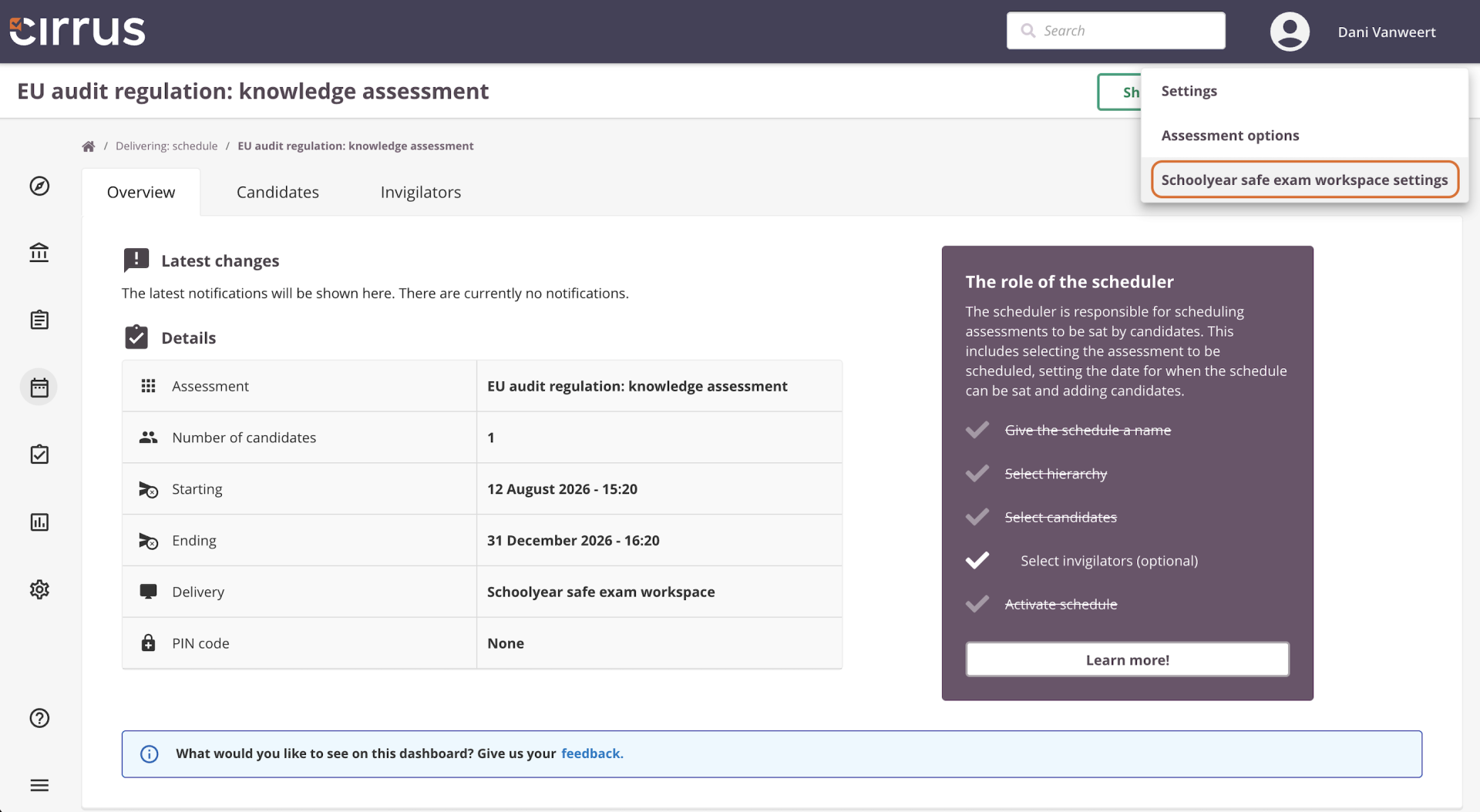
- Turn it on when you schedule. Under the security settings for the exam, select Use Schoolyear Safe Exam Workspace.
- Set the rules for that exam. In the Schoolyear settings, choose which web pages and files candidates are allowed to reach during the exam, plus any additional restrictions you want to apply.
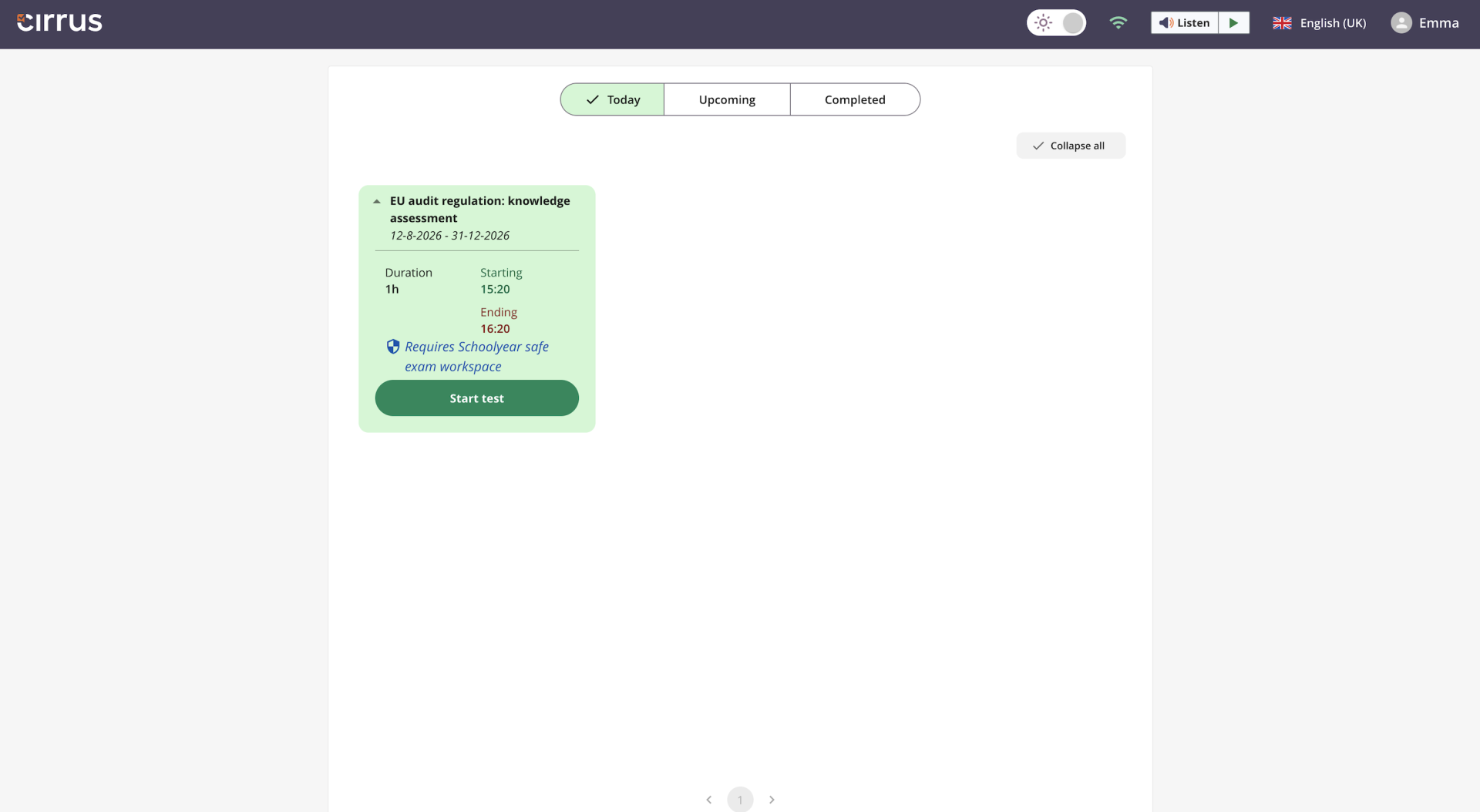
Candidates start their exam Cirrus as usual: After they log in and start the test, Cirrus hands them over to Schoolyear, which walks them through launching the workspace step by step, (including the download if it is not already installed on the machine).
The workspace runs its checks, then opens the exam. From that point the laptop stops being a general-purpose computer. Other applications, local files and the clipboard are shut off, along with the things a browser lockdown cannot reach: AI assistants, virtual machines, remote desktop software and second logins. The only web pages available are the ones you allowed in step 2. Candidates sit the exam in Cirrus exactly as they normally would, and get the machine back when they submit.
Why exam teams use it
It sees what an invigilator cannot: Someone walking the room can watch faces and screens. They cannot spot a virtual machine, a background process, a second person driving the session remotely, or a file that opens in a second and closes just as fast. Schoolyear blocks all of it.
It lets candidates use their own laptops: The workspace behaves the same way whether the machine belongs to you or to the candidate. Pre-install it on your exam centre devices if that suits you. If someone turns up with their own laptop, they install it on the spot and sit the same exam under the same conditions.
It catches problems early: Schoolyear checks the device before the exam opens, so anything wrong shows up in the first few minutes rather than halfway through.
It gives you a record: Each session produces a log of candidate activity. When an appeal comes in, or a regulator asks how a result was protected, you can show exactly what happened.
It leaves accessibility intact: Candidates who use ReadSpeaker keep it inside the workspace. Text-to-speech works as it does in any other Cirrus exam.
You are not on your own on the day: Schoolyear and Cirrus both support the integration, before, during and after the exam.
Only the data needed to run the exam: There is no screen recording, no webcam and no microphone, and all personal data stays within the EU.
Where it fits
Most organisations run two or three security options across a qualification, matching each one to what the exam is worth. Schoolyear is the one to consider when you want the entire laptop locked down and you do not have enough machines of your own to go round. Candidates make up the difference with their own laptops and sit the exam under exactly the same conditions.
Running exams on machines you do not control raises the stakes on support. With Schoolyear, candidates who hit a problem on the day have someone to call, rather than an invigilator who has to improvise. And every session leaves a record, which is what an appeals panel will want to see.
Getting started
Schoolyear is available now. Already with Cirrus? You can find more details about Schoolyear in our Knowledge Base, or talk to your Customer Success Manager about switching it on. It is also worth using that conversation to look at your security options as a whole. Live proctoring, AI-assisted proctoring, test centres, Safe Exam Browser, Turnitin and now Schoolyear each suit a different kind of exam, and most organisations end up using a variety of combinations across their exams. Half an hour mapping which exam gets which is usually time well spent.
New to Cirrus? Get in touch and we’ll show you how it works.